
How It Works
From a live channel to a shareable recap in five steps.
1
Pick a Channel
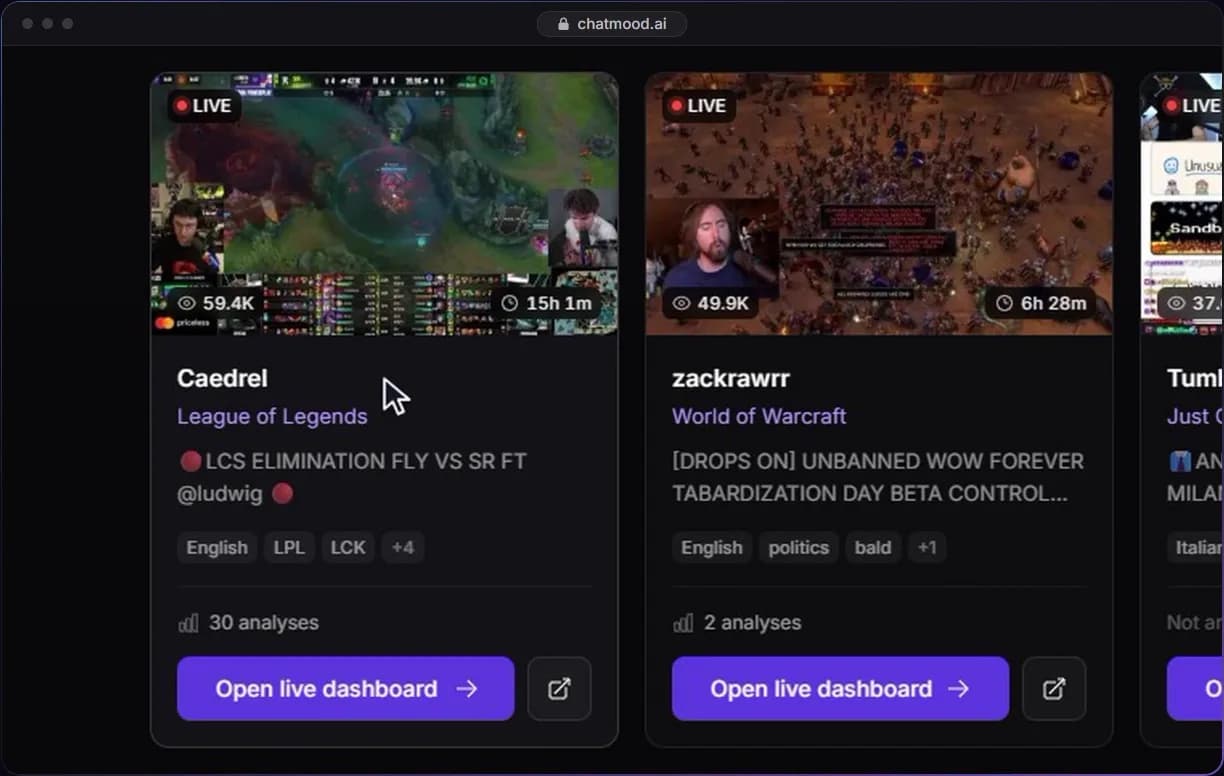
- Search channels by name or browse what is live right now
- Click "Open live dashboard" on any live channel
2
Watch the Live Dashboard
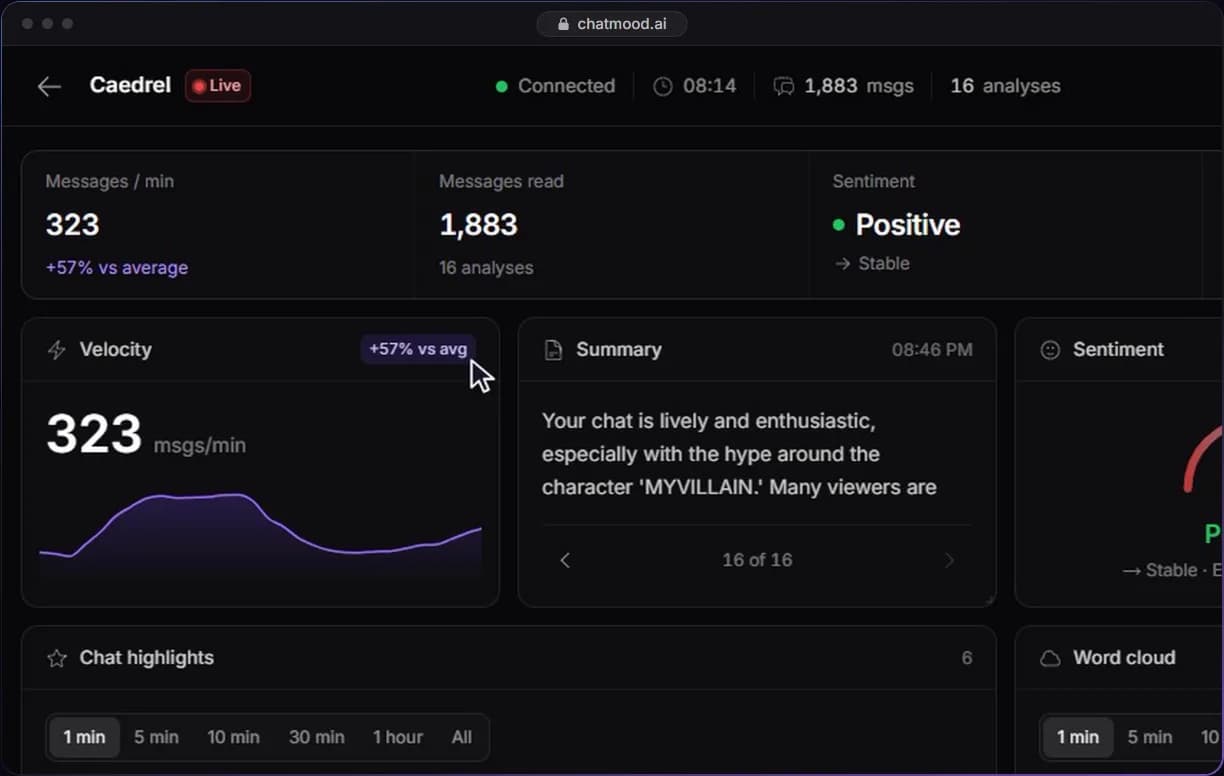
- The AI scores the mood, measures the pace and sums up what chat is saying
- Analysis runs every 5 minutes on Free, 1 minute on Starter, 30 seconds on Business
3
Catch the Highlights
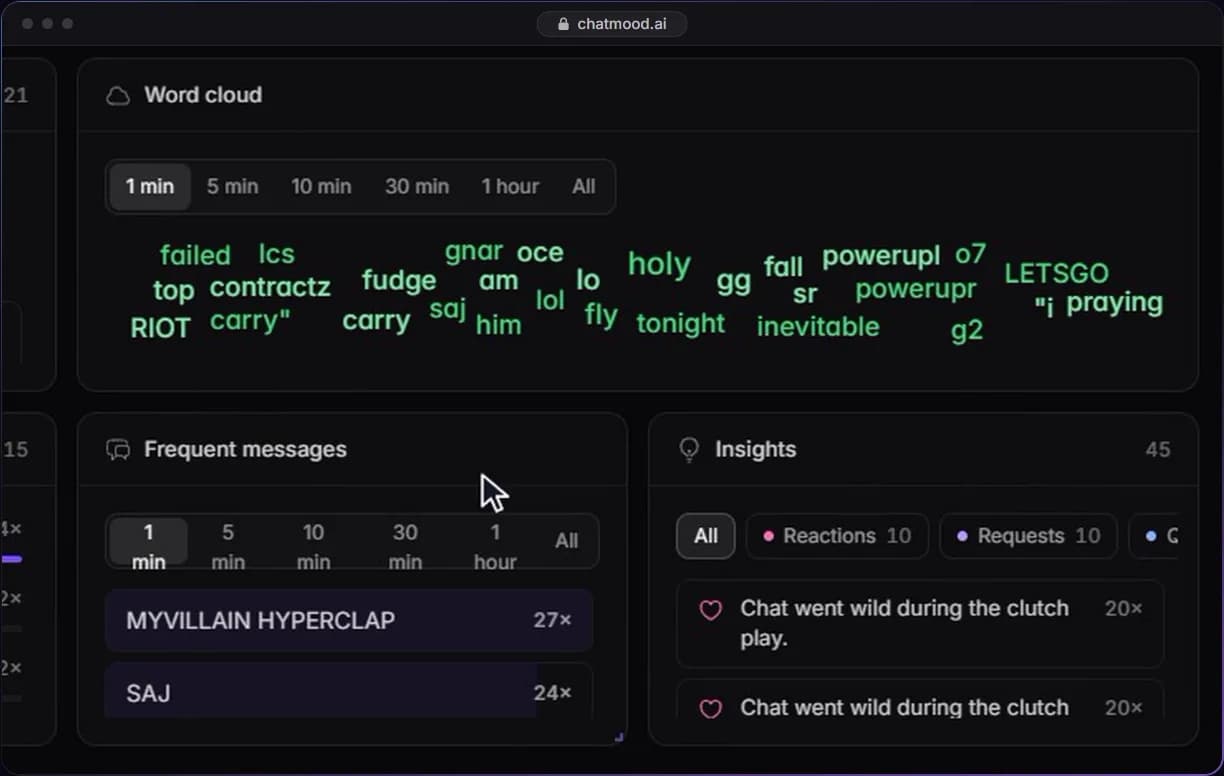
- Questions, funny lines and impactful messages are pulled out of the scroll
- Word cloud and frequent messages filter by time window, from the last minute to the whole stream
4
Ask Your Chat
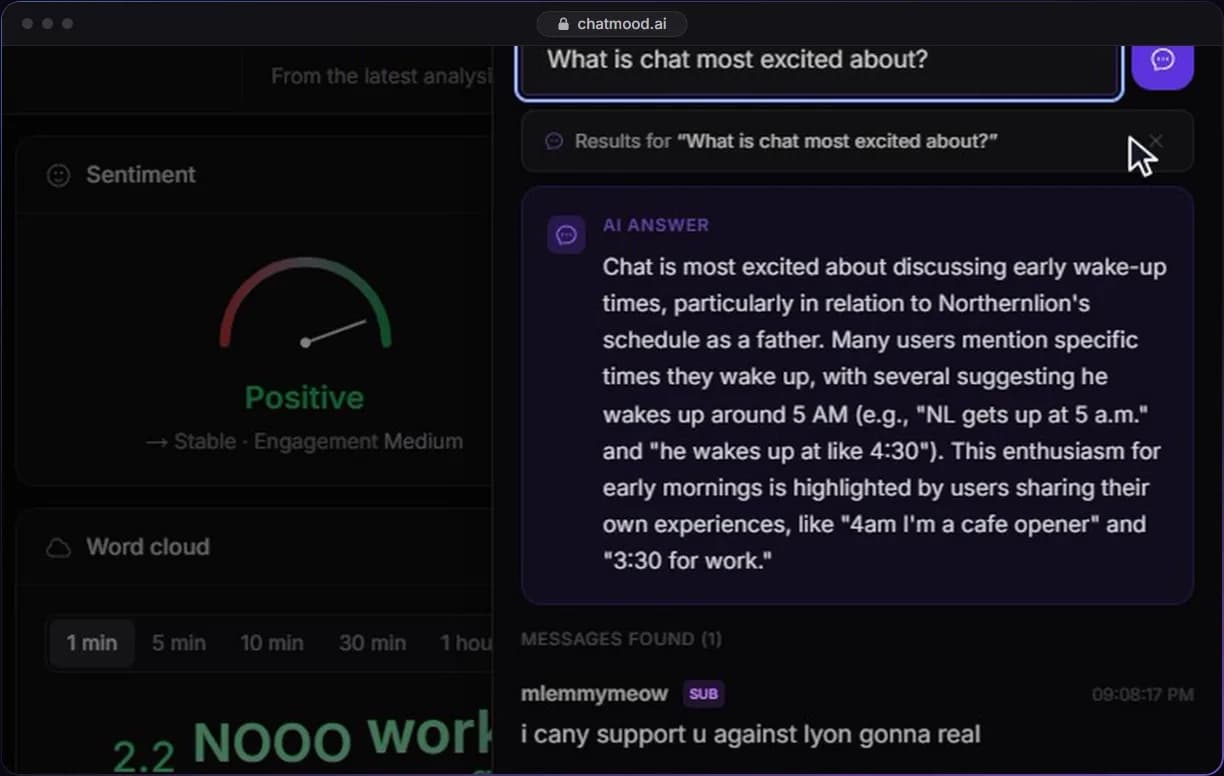
- Open Chat Intel and ask a question in plain English
- The AI answers from the messages themselves and shows which ones it used
- Keyword search is on Starter; AI answers are on Business
5
Share the Stream Recap
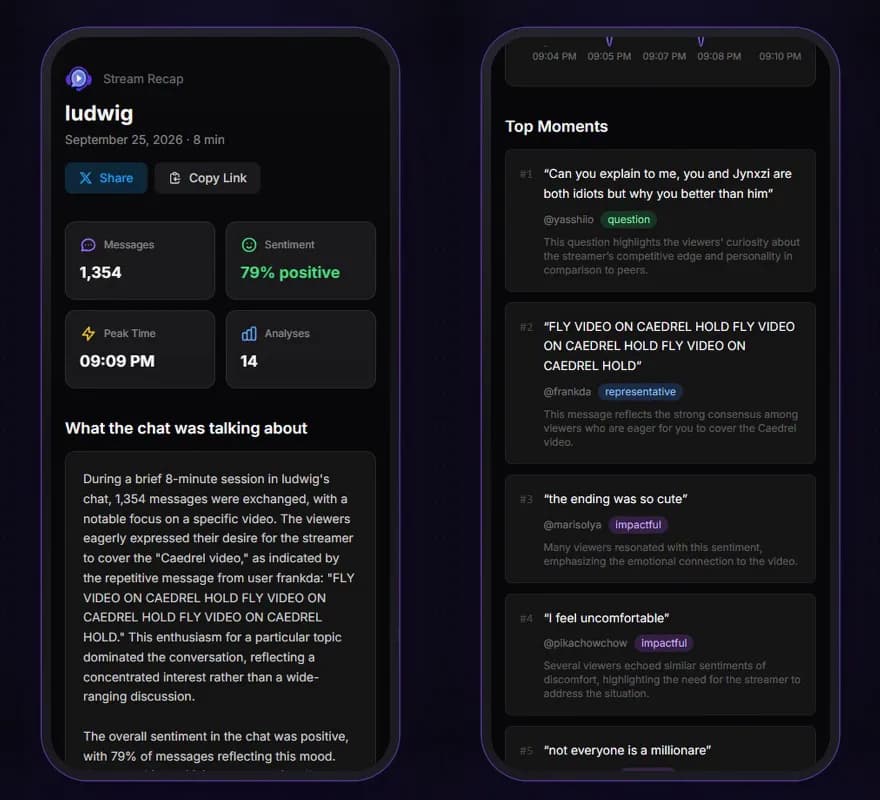
- When the stream ends, you get a recap with the mood arc, top moments and what viewers asked
- Share it on X or copy the link
Go Deeper
Beyond the Live Dashboard, ChatMood has more tools to help you understand your audience: